How it works
Four steps. The first three take about two minutes; the last is one link on your website.
-
1.
We read your website
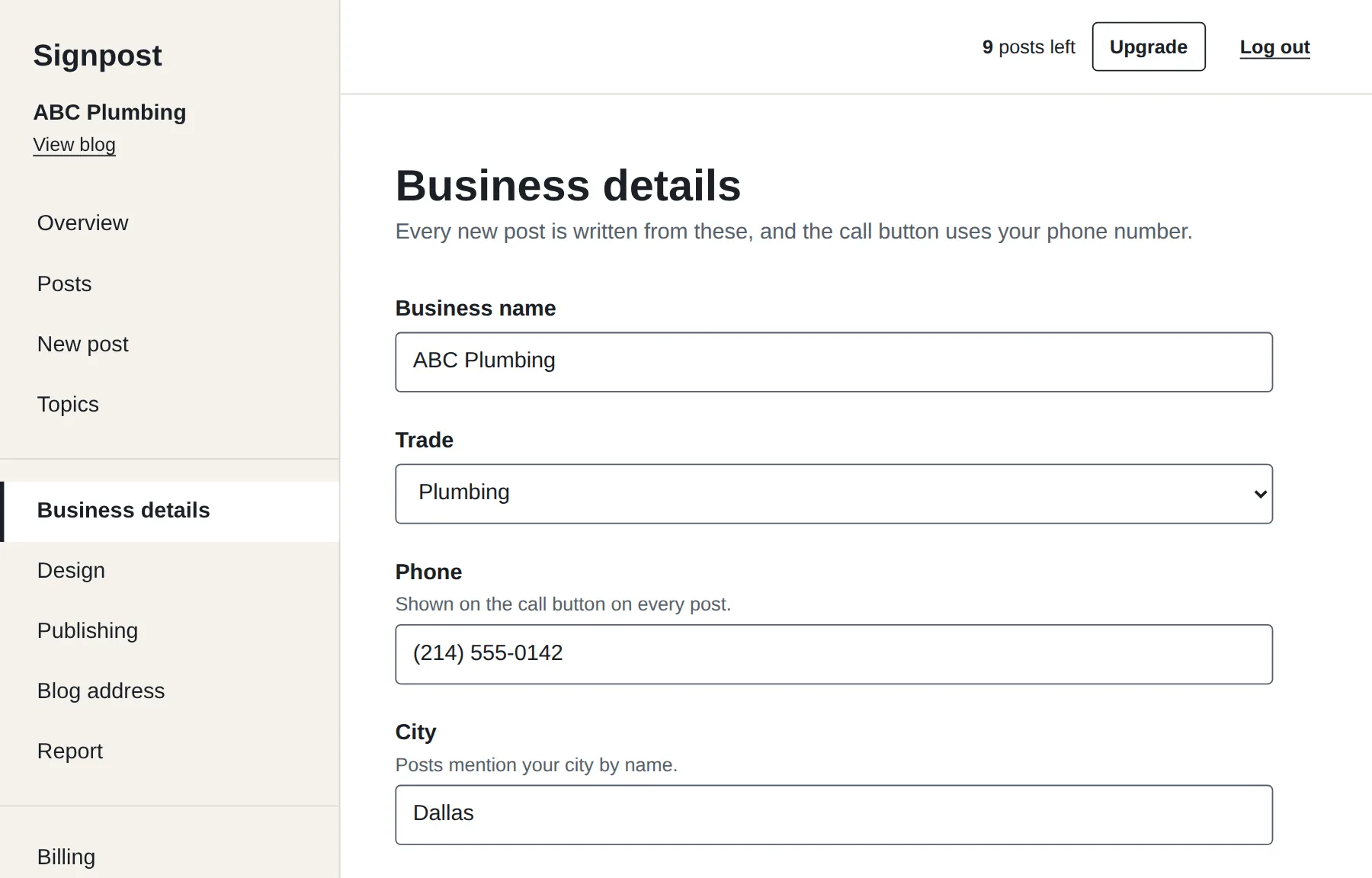
Paste the address. We pick up your business name, phone number, town, the services you list, your logo and your colors. You check them and fix anything that is wrong. No website? Type the details in.
-
2.
You look it over
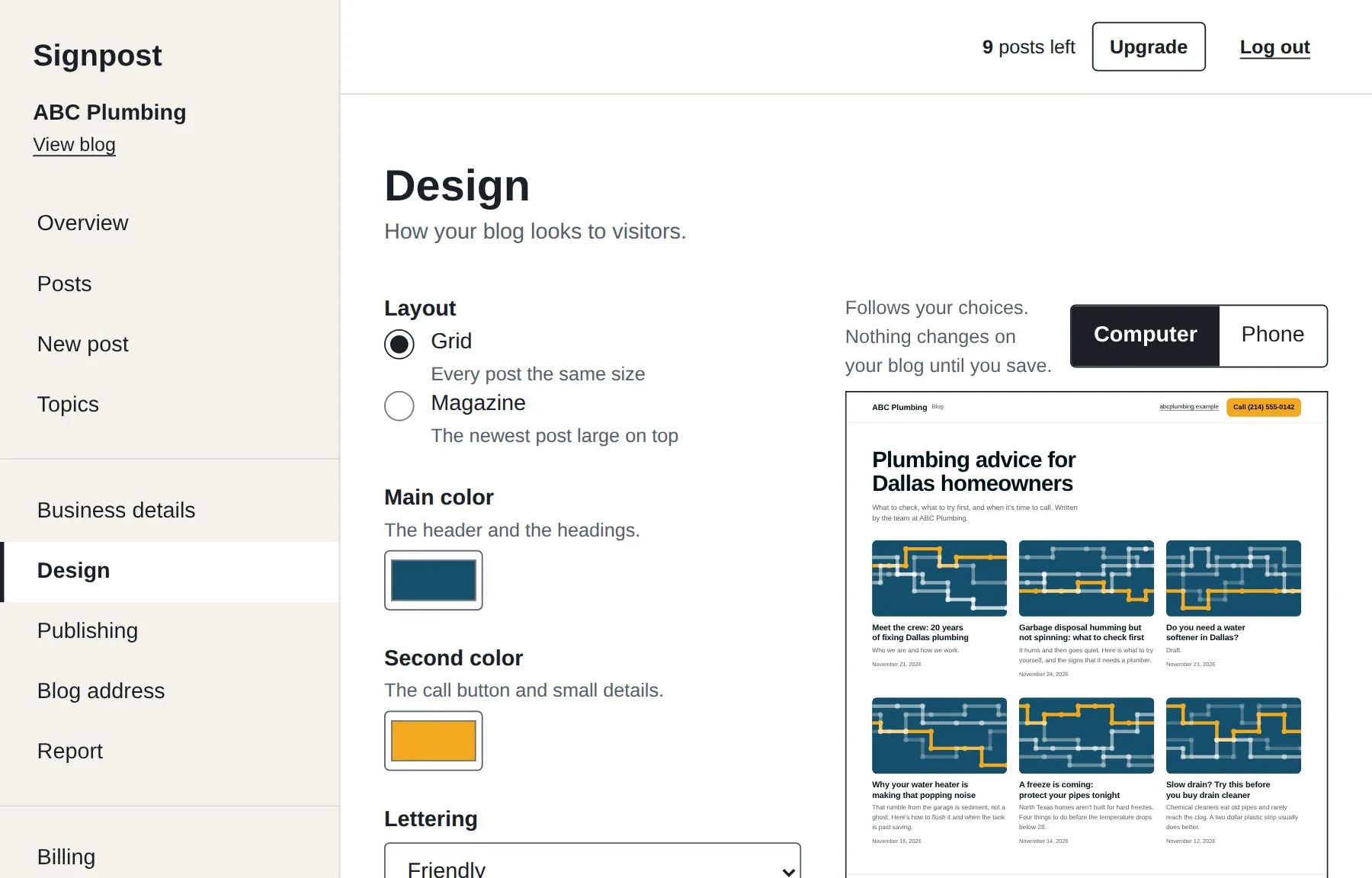
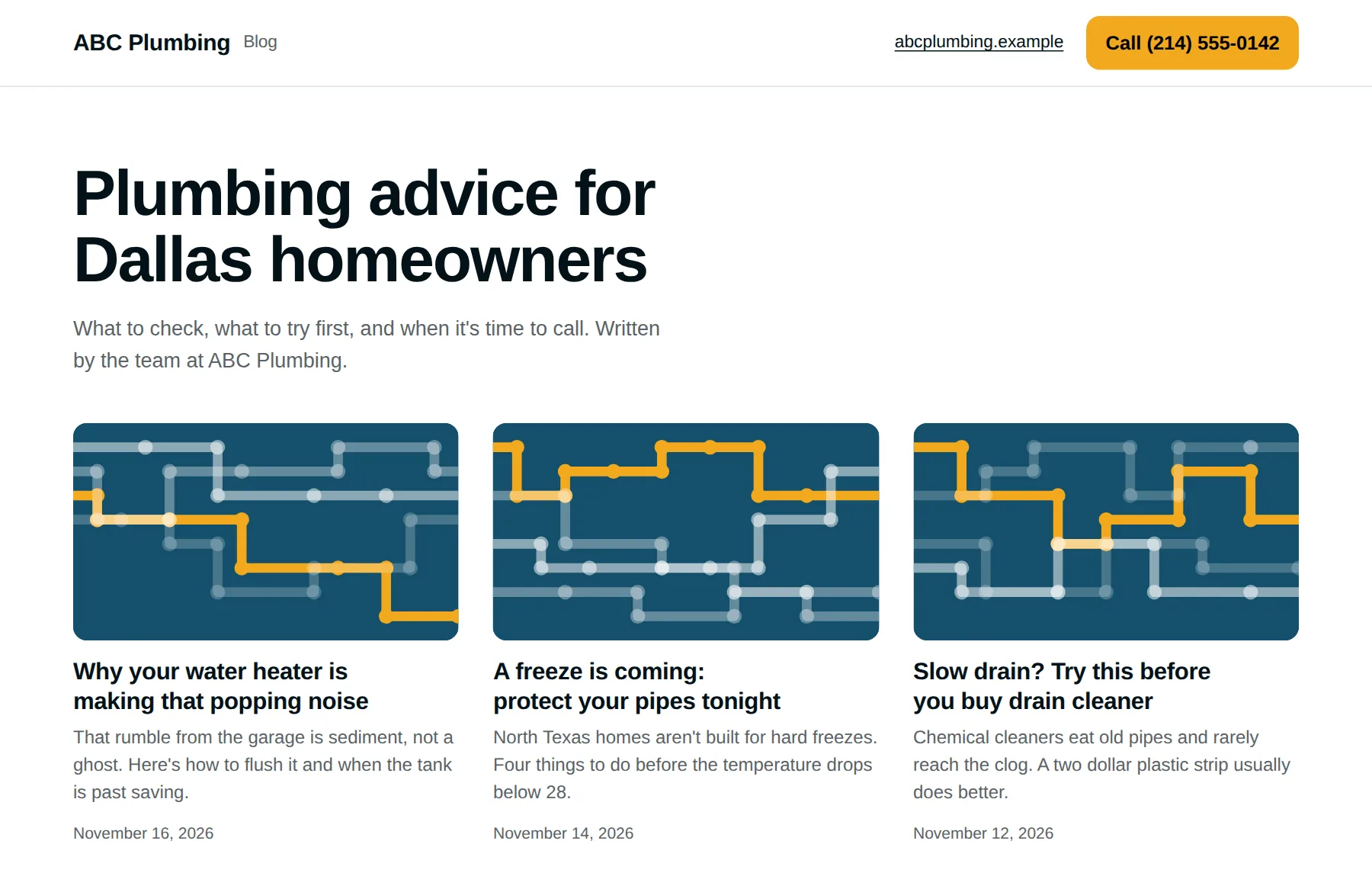
You see your blog in your colors, pick a layout, and read the first post exactly as visitors will. Publish it, edit it, or ask for a different topic.
-
3.
Posts go out on your days
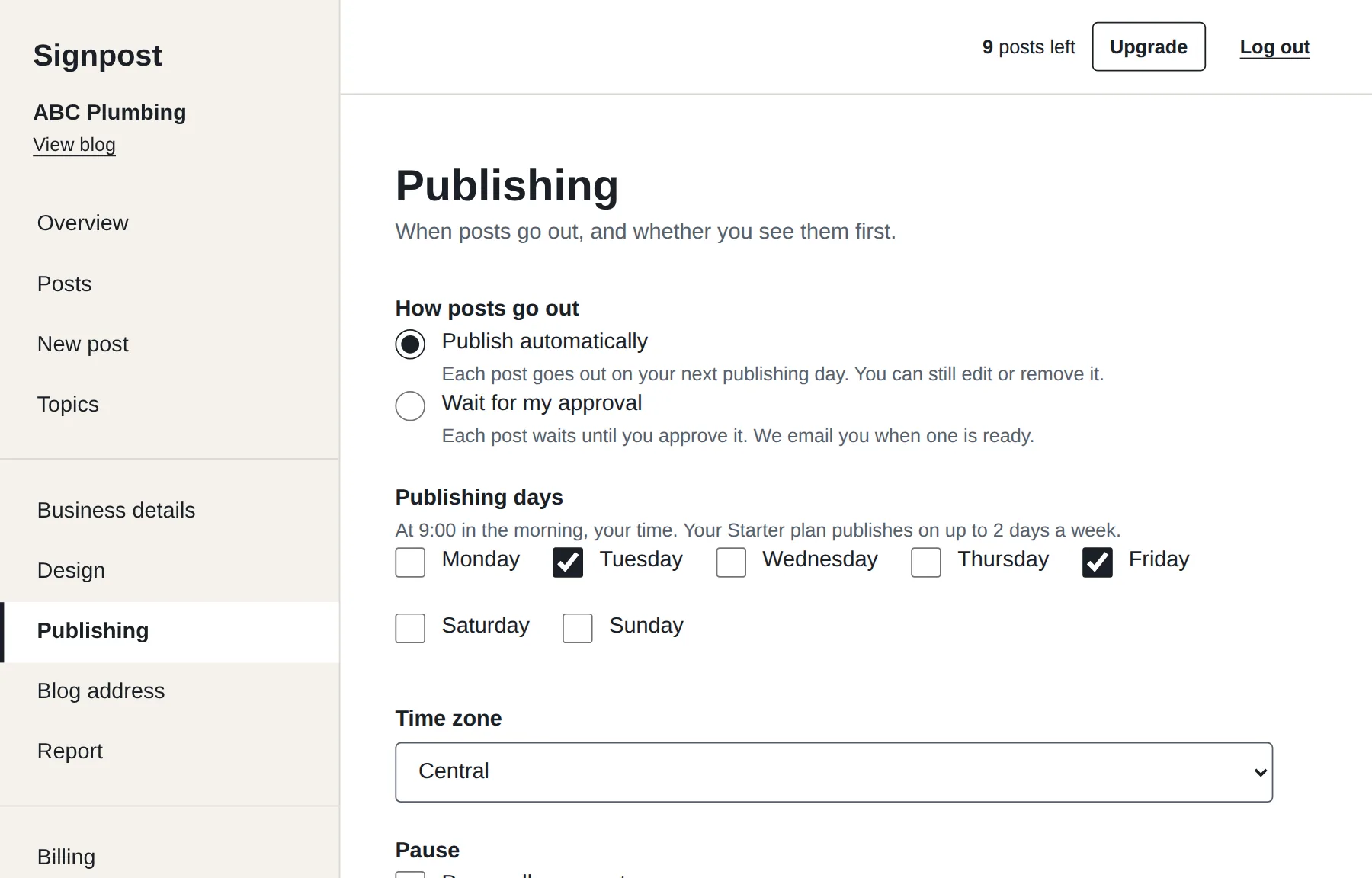
Each one is about a problem your customers have, picked for your trade, your services and the season. They can go out by themselves, or wait for you to approve each one. You can edit any post, write your own, skip a topic, or block one for good.
-
4.
You add a Blog link
One link in your website's menu, pointing to your blog. We give you the steps for WordPress, Wix, Squarespace and GoDaddy, or email them to whoever looks after your site.
What every post has
- Your nameYour business, your town and your services, not a generic article.
- A call buttonYour phone number, on every post, one tap from a phone.
- Safe adviceAnything involving gas, electricity or a roof tells the reader to leave it to a professional.
- No tall claimsNo prices, no guarantees, no invented numbers. Posts are checked for these before they are saved.
Where the blog lives
Every blog gets its own address the moment it is created, such as abcplumbing.www.usesignpost.com. There is nothing to install and nothing to host.
On Pro and Premium it can live on your own address, like blog.abcplumbing.com. That takes one record added where your domain is registered. We show you exactly which one, and you never share a password with us.
See your own blog before you decide
It takes about two minutes, and you see the blog in your own name and colors before you give us an email address.
Ready when you are
7 days and 3 posts to try it. No card needed.